Press a photo
Pick one from your library or take it on the spot. Nothing is uploaded, and nothing needs a connection.
Pick a photo. Chromacord measures its light, its colour and its detail, and those measurements decide the key, the tempo, the chords and the texture. Seconds later you are listening to the record it holds — and the same photograph always presses the same song.
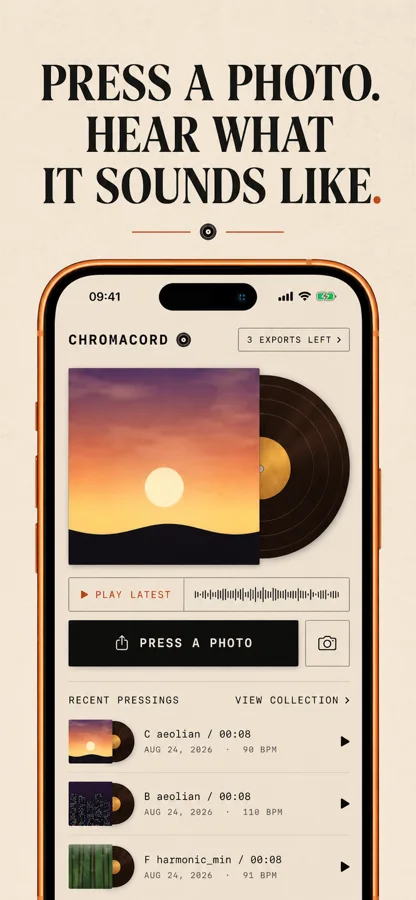
The engine is deterministic and runs on the device. Press the same photo again tomorrow, on another iPhone, in a year — the same record comes back.
Pick one from your library or take it on the spot. Nothing is uploaded, and nothing needs a connection.
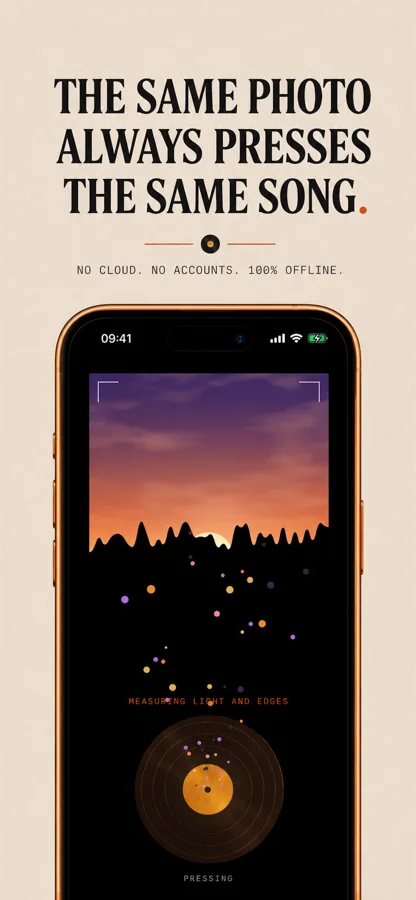
Light, colour and edge density are read off the image and turned into a signature that belongs to that photograph.
Key, tempo, chords and texture follow the signature. Out comes a four-bar loop that closes cleanly, plus a vertical video.
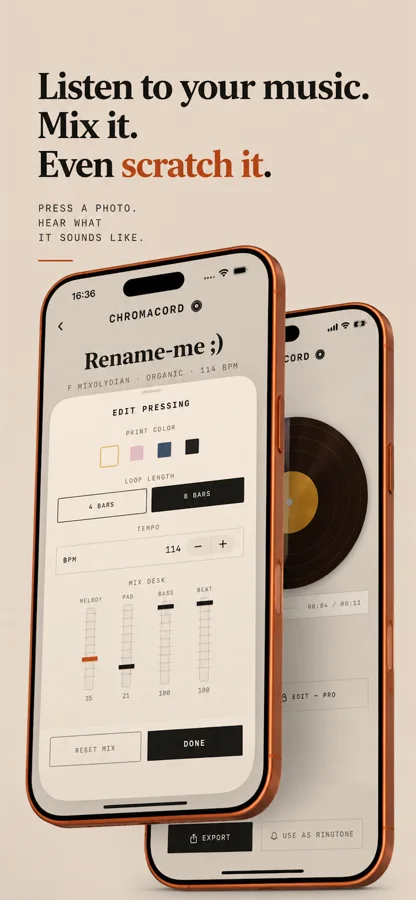
Soft keys, a bass, brushed drums and a tape-worn bed. Four bars free, eight with Pro.
The card is cut to fit the picture, because the sound was made from the whole picture.
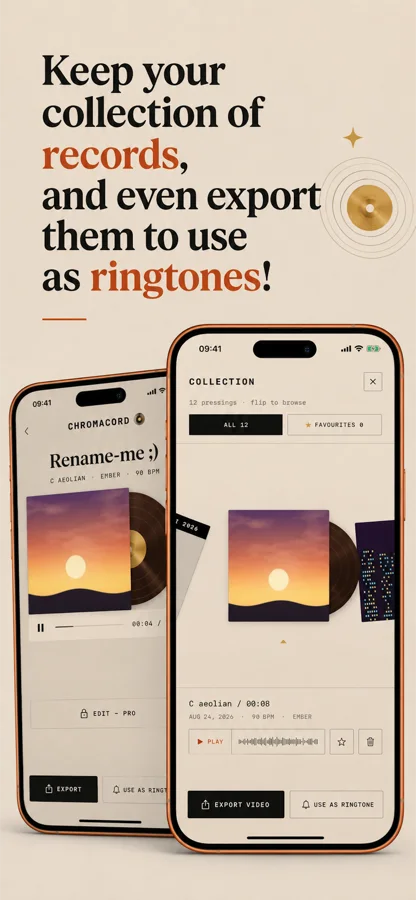
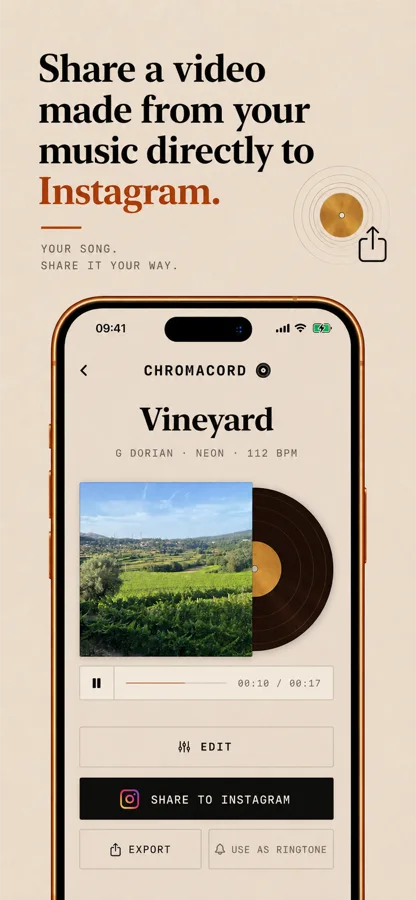
Your photograph mounted on a printed card, waveform along the chin, signature underneath. Share straight to Instagram.
Export a pressing and let a photograph of your own answer the phone.
Star the ones worth keeping. Scratch the record with a finger while it plays and hear it drag.
Tempo, loop length, mix desk and card colour are yours to move with Pro.
Your photograph is read on the device and never uploaded, never sent, never seen by anyone. There is no server of ours to hold it, because there is no server of ours. Chromacord works on a plane, in a tunnel, forever.
Then press it again, and hear that it is the same record. That is the whole trick, and it takes about fifteen seconds.
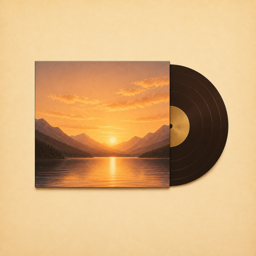
Same photo, same song. Offline